

1
Gather your connection details
To connect to ClickHouse with HTTP(S) you need this information: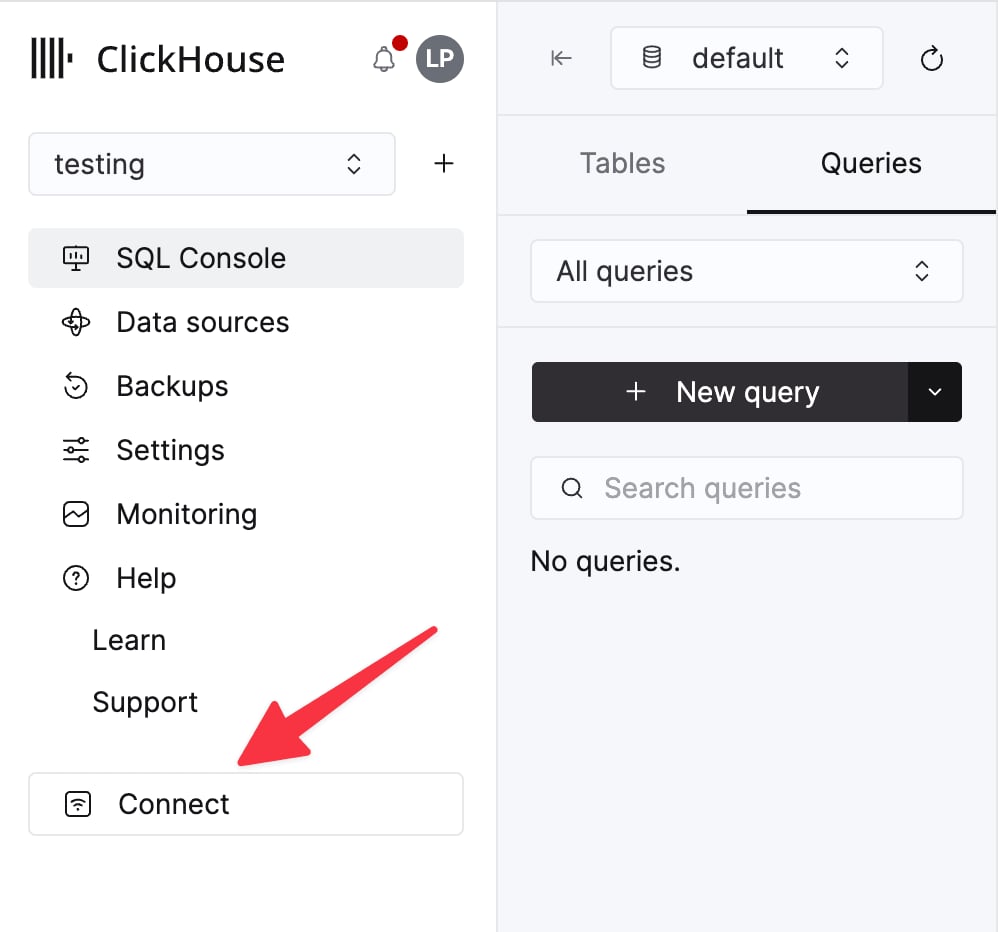
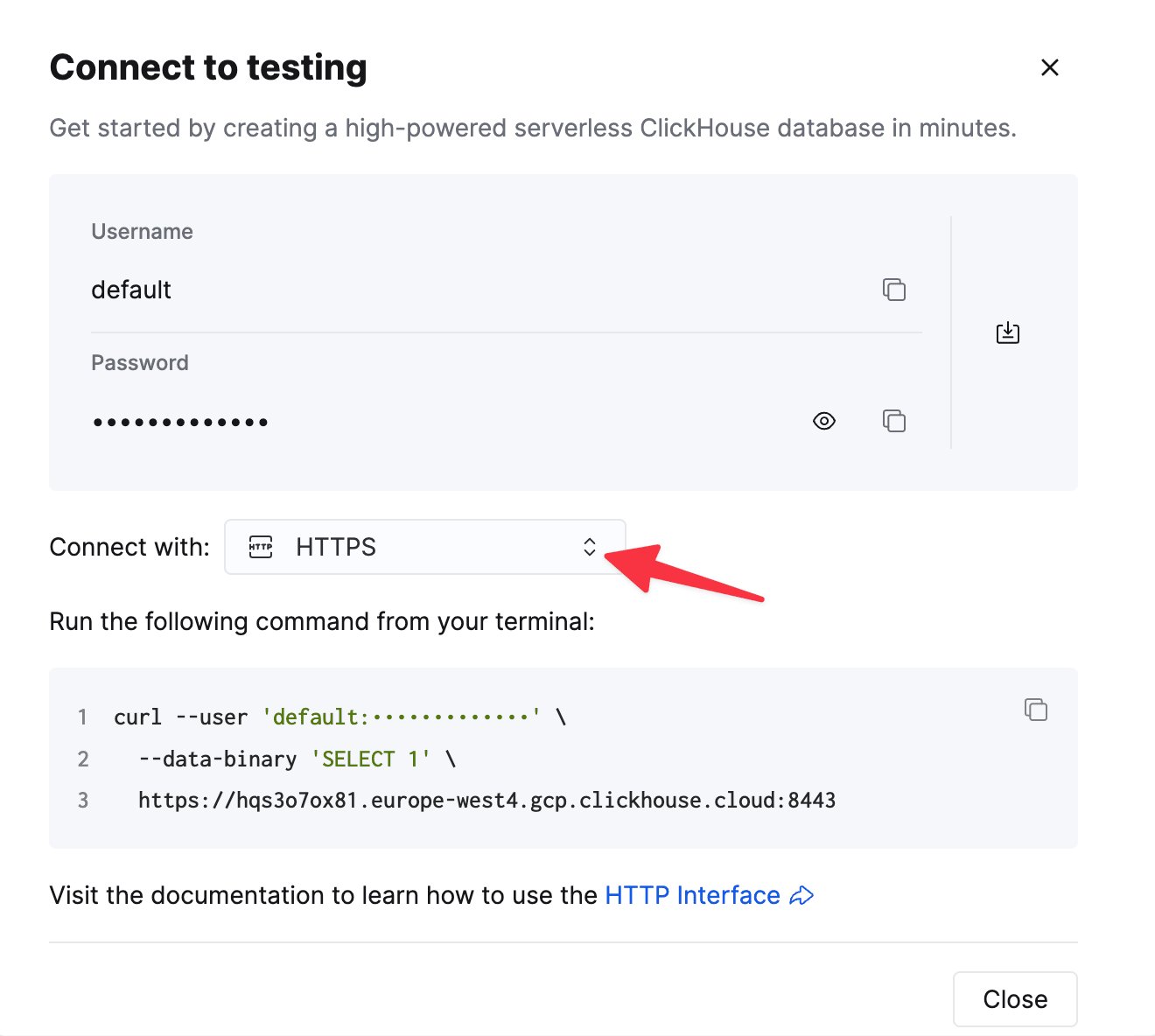
The details for your ClickHouse Cloud service are available in the ClickHouse Cloud console.
Select a service and click Connect:
curl command.2
Create a ClickHouse data source
Navigate to Admin -> Connections and click the “Add Connection” button in the top right corner.
Select
Now you should can query and visualize data from ClickHouse in Omni.
Select
ClickHouse. Enter your credentials in the form.Now you should can query and visualize data from ClickHouse in Omni.